
Controlled, gradual theme migration
Modernize your WordPress theme one ready section at a time.
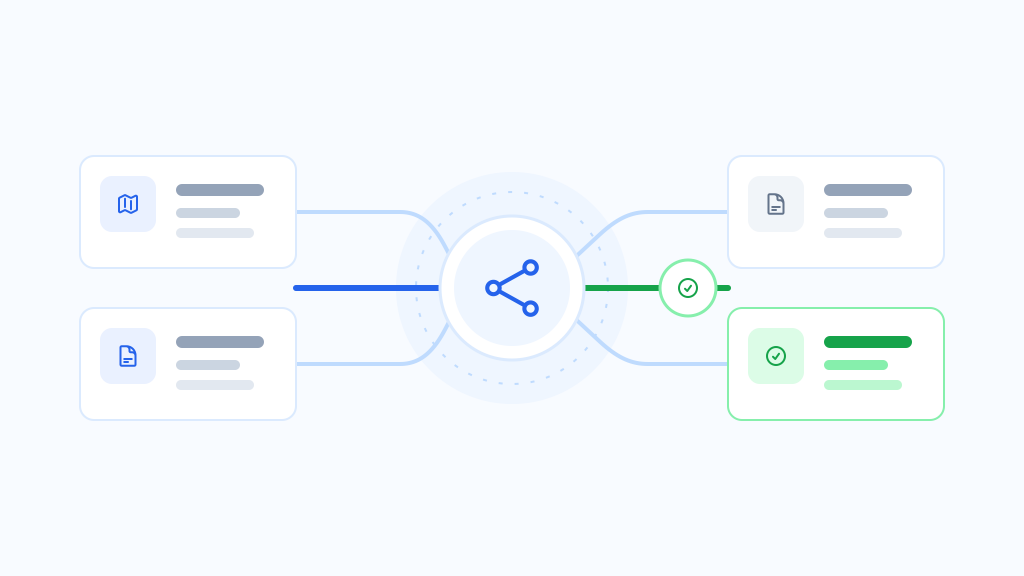
ThemeRouter is a WordPress plugin for controlled, gradual theme migration. Route selected pages, post types, taxonomies, or WooCommerce areas to the redesigned theme.
Keep every unmatched request on the active theme. Preview privately, enable only the route that is ready, and expand after your team validates the result.
Private theme preview
Active-theme fallback
Route-level control
A full-site cutover changes every route together.
A complete theme activation moves every public route at once. That gives teams one large window to validate templates, navigation, integrations, and operational ownership.
- Every public route changes together
- Template and integration issues share one release window
- Rendered metadata and navigation require site-wide review
- Fallback planning must cover the complete launch
- Legacy dependencies can be difficult to discover in advance
Controlled, gradual migration
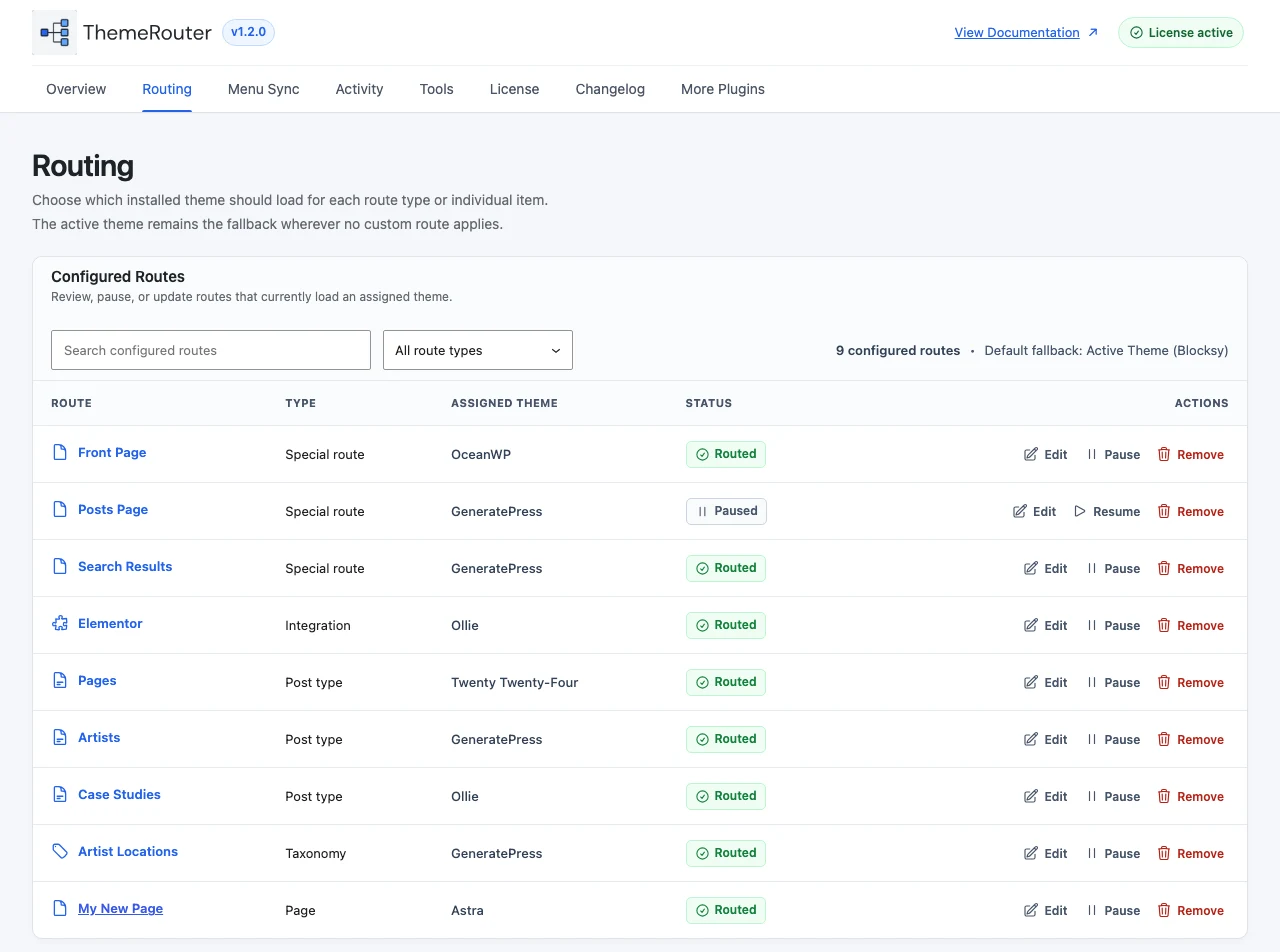
- Assign installed themes to supported WordPress routes
- Preview another installed theme privately
- Keep unmatched requests on the active theme
- Pause or remove a route to use the active-theme fallback
- Expand only after the current scope is accepted
One workflow for complex WordPress migrations.
Enterprise Site Redesigns
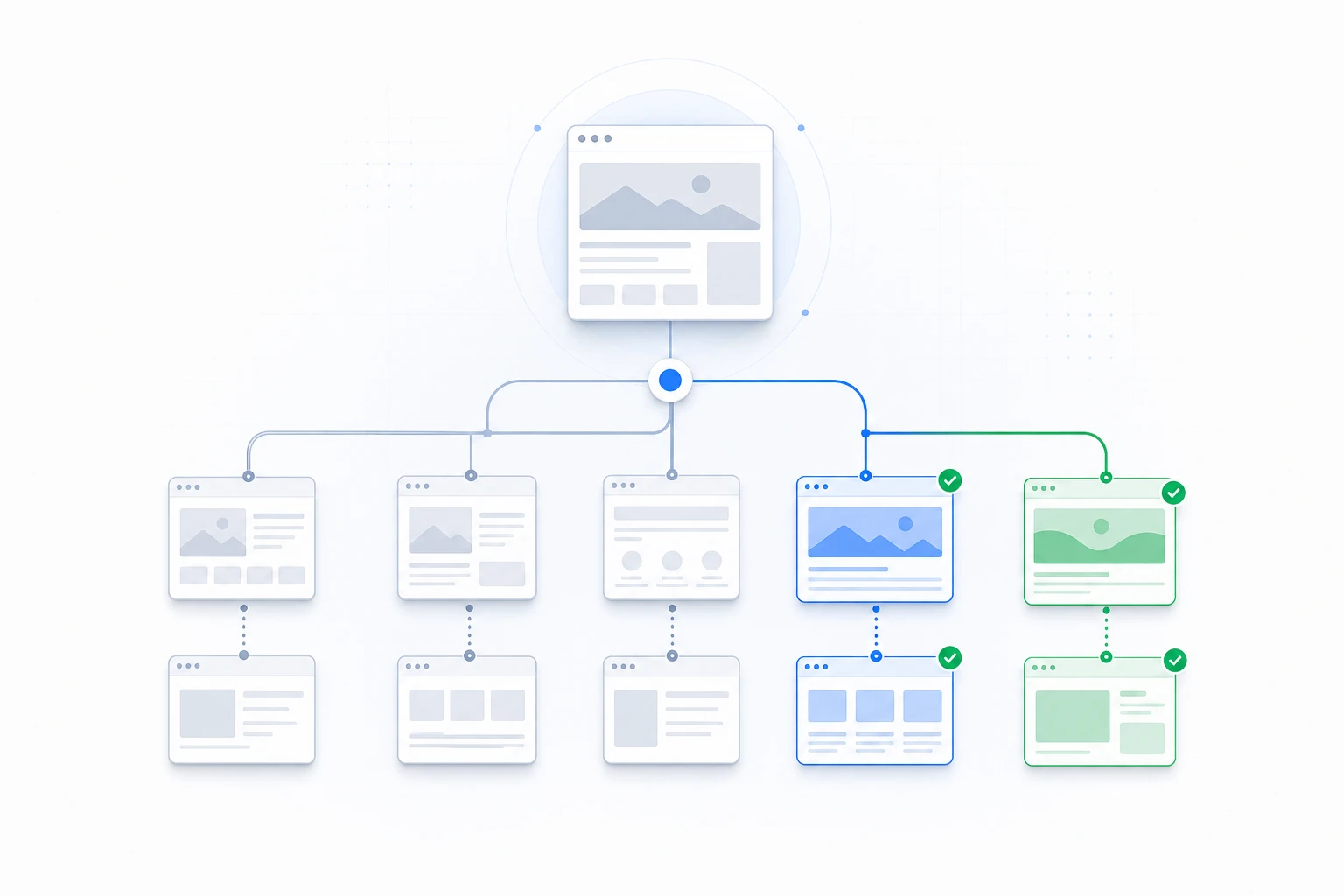
Move one content domain at a time while unmatched routes keep the active theme.
WooCommerce Upgrades
Move product discovery before transaction routes and validate each phase separately.
Large Content Sites
Move complete content families with their singles, archives, and taxonomies.
Block Theme Migration
Introduce a block theme on selected routes and bridge navigation with Menu Sync.
Client Approval Workflows
Review a route privately, then enable only the scope the client has approved.
Key Benefits
Reduce the scope of each release
Keep the active theme as the fallback while a selected content area moves to the redesigned theme.
- No forced full-site cutover
- Unmatched routes stay on the active theme
Review another installed theme privately
Authorized users can inspect the redesigned theme against existing WordPress content before the route becomes public.
- Signed private preview
- Representative content review
Stage migration work around ready sections
Release a bounded route, validate it with your existing QA and monitoring tools, and invest in the next section only when it is ready.
- Staged investment
- Smaller validation and recovery scope
Frequently Asked Questions
Yes. Authorized users can use ThemeRouter private preview to inspect another installed theme without changing the public result for ordinary visitors.
The affected request returns to the active-theme fallback after the route is paused or removed. This changes the routing decision; it does not undo unrelated content or theme configuration edits.
No. ThemeRouter changes which installed theme renders a matched request. Posts, pages, users, orders, and the WordPress database remain in the same installation.
The request continues through the active WordPress theme.
No changes are required to WordPress content storage. Both installed themes still need to support the templates, navigation, plugins, and content they render.